Local transcription
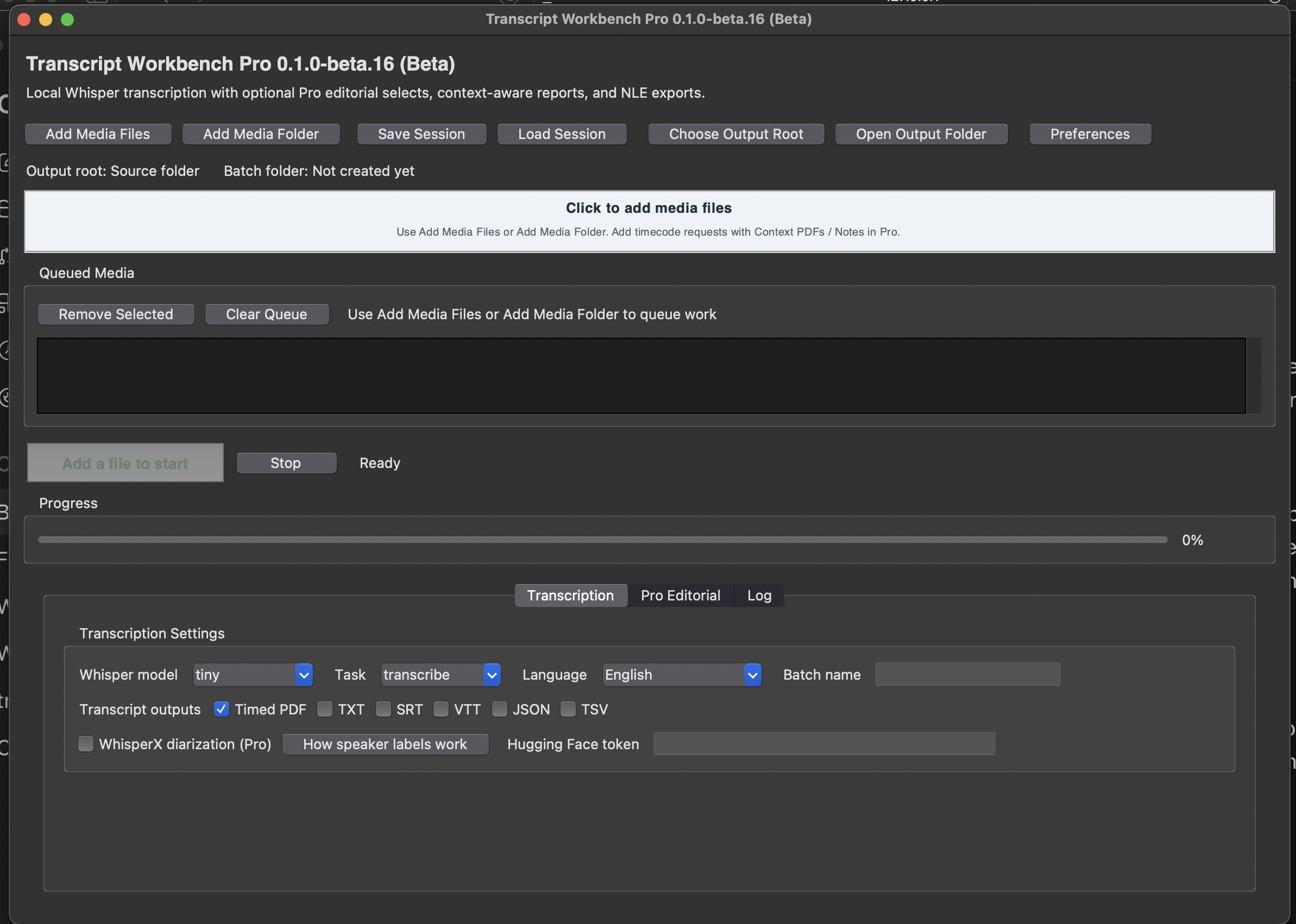
Run Whisper locally on Mac to create transcripts from audio or video without needing an OpenAI API key for basic transcription.
 CriollaStart a project
Software
Transcript Workbench Pro grew out of real editorial work: long interviews, panels, event videos, and the recurring need to turn notes into useful clips without a day of copying, pasting, and rebuilding timelines by hand.
Beta
A Mac app built around the real drudge work of long interviews, panels, event videos, and social clip requests: transcribe locally, find usable moments, and turn notes into editorial material for Final Cut Pro or Premiere.
Run Whisper locally on Mac to create transcripts from audio or video without needing an OpenAI API key for basic transcription.
Get an email request for clips and translate it into editable Final Cut Pro or Premiere timelines without rebuilding the notes by hand.
Instantly identify useful moments with timecode ranges, transcript excerpts, suggested titles, descriptions, hashtags, and a management-facing report explaining why each clip was selected.
Export select lists, PDF reports, transcript files, and XML timelines for Final Cut Pro or Premiere so the copy/paste work does not become the whole job.
How it works
Basic transcription runs locally with Whisper and does not require an OpenAI API key. Pro editorial tools use the user's own API key to help generate clip selects, summaries, titles, descriptions, hashtags, and review-ready reports after the transcript is created.
Email [email protected] if you work with interviews, panels, lectures, events, or social clip requests and are interested in testing Transcript Workbench Pro.